
Collection software for firearms, coins, stamps, knives, Japanese swords, geological specimens & more - offline - no cloud risks - Windows, Mac, Linux, iOS, and Android.
Try full features Free for 30 Days - No Credit Card. After 30 days you can upgrade or continue to use free version.
Edit Drop Down List (DDL) Page
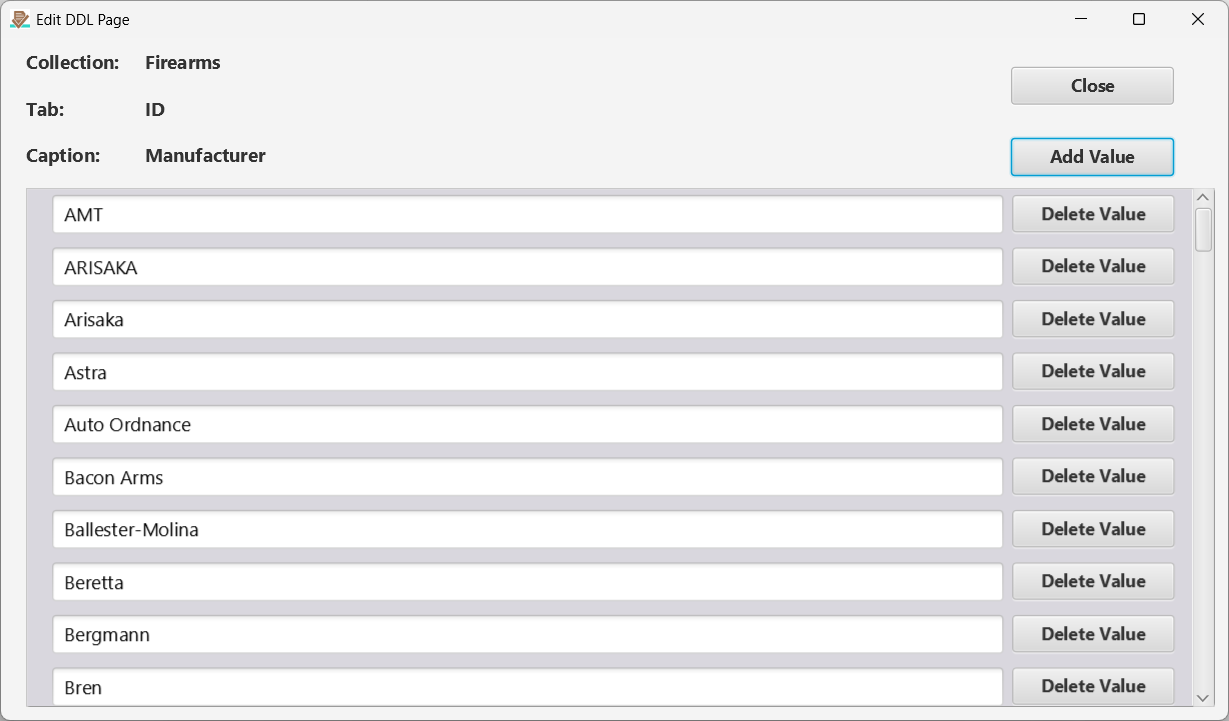
Figure 5 The Edit Drop-down List page.
This page manages the reusable choices for the selected field. The autocomplete suggestions and mobile picker use that field’s drop-down list. A value already saved on an item may still be shown as its current value even if it is absent from the list. Explicitly saving that value through autocomplete or the picker adds it back to the list. To clear the value from the current item or record, use the x button beside the field.
← ID Page | Contents | Description Page →
Part of the NM Collector CP 2.3 user manual. Download the full manual (PDF).