
Collection software for firearms, coins, stamps, knives, Japanese swords, geological specimens & more - offline - no cloud risks - Windows, Mac, Linux, iOS, and Android.
Try full features Free for 30 Days - No Credit Card. After 30 days you can upgrade or continue to use free version.
Events Page
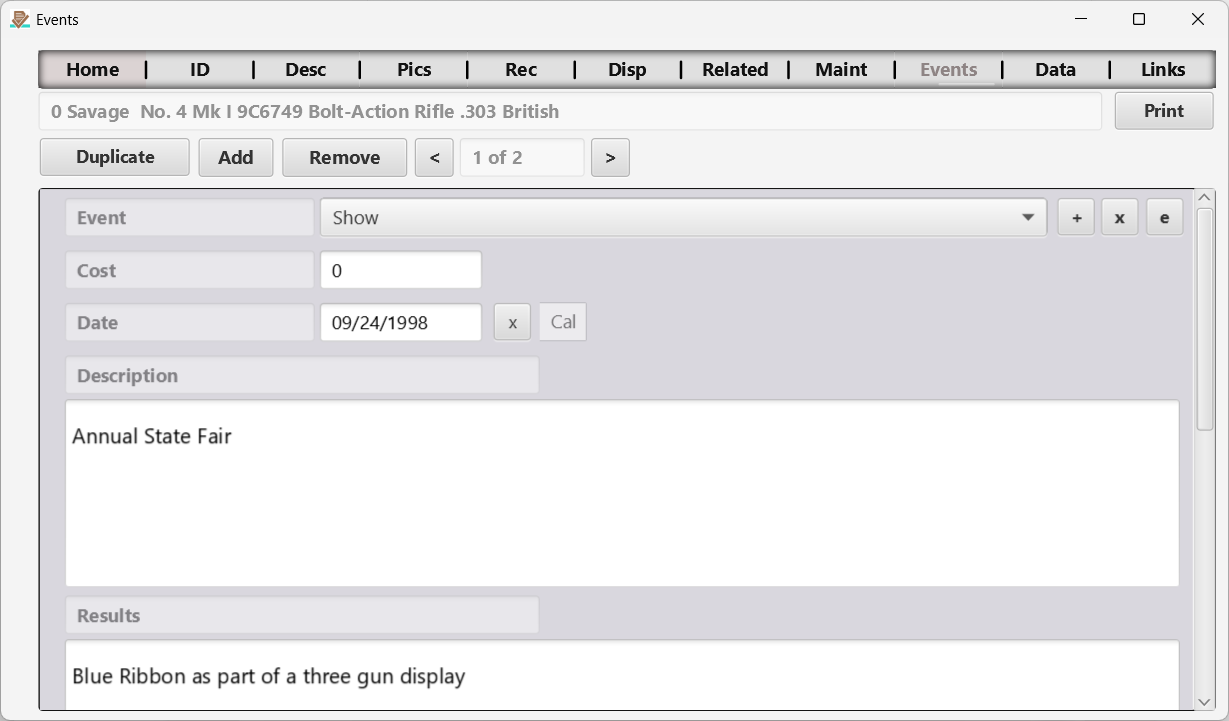
Figure 13 The Events page.
Capture one or more events and associated data for the selected item. This is essentially the same page as the Maintenance page covered earlier.
Text/drop-down fields use the same autocomplete and searchable-picker controls as Maintenance. Select the event you intend to edit before opening its fields. A saved selection belongs to that event, and returning from the mobile picker keeps it selected.
← Maintenance Page | Contents | Data Sheet Page →
Part of the NM Collector CP 2.3 user manual. Download the full manual (PDF).