top of page

Collection software for firearms, coins, stamps, knives, Japanese swords, geological specimens & more - offline - no cloud risks - Windows, Mac, Linux, iOS, and Android.
Try full features Free for 30 Days - No Credit Card. After 30 days you can upgrade or continue to use free version.
Links Page
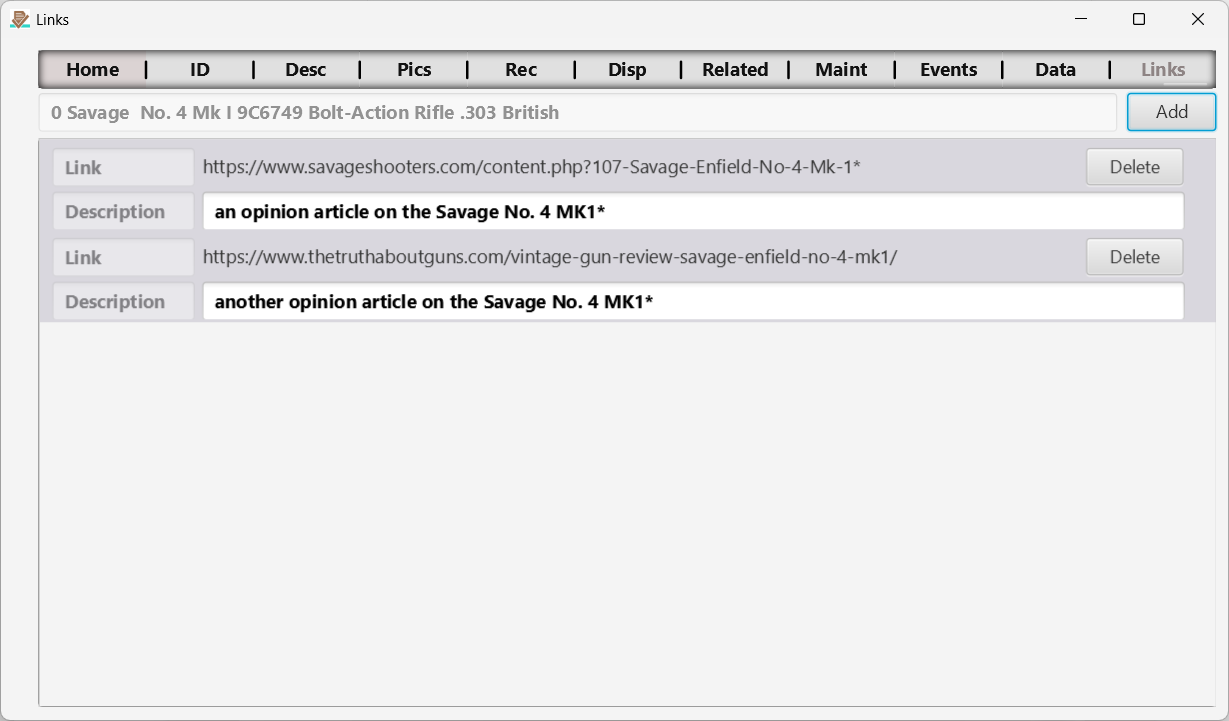
Figure 15 The Links page.
Add links to anything! This will capture whatever link you add and open the link when you click on it. You can add links to web pages, documents (including word, pdf, etc.) and even pictures.
Add (Link) Button
Navigate to any and select it. You can also drag and drop any file or web page.
Add a description if you want.
← Data Sheet Page | Contents | Add Link Page →
Part of the NM Collector CP 2.3 user manual. Download the full manual (PDF).
bottom of page